

DRIVEN BY QUALITY.

Have a Project in Mind?
Let’s Make It Happen.

Let’s talk

© 2026 Optima Quality Solutions, LLC.

All work

01 / 06 · Manual QA · Research software

NIH Toolbox — manual QA testing case study

  • Manual QA
  • Research software
  • iPad application
  • Mobile & web
  • Release validation

Complex assessments. Carefully tested.Hands-on QA support for assessment workflows, application behavior, instrument logic, and release builds.

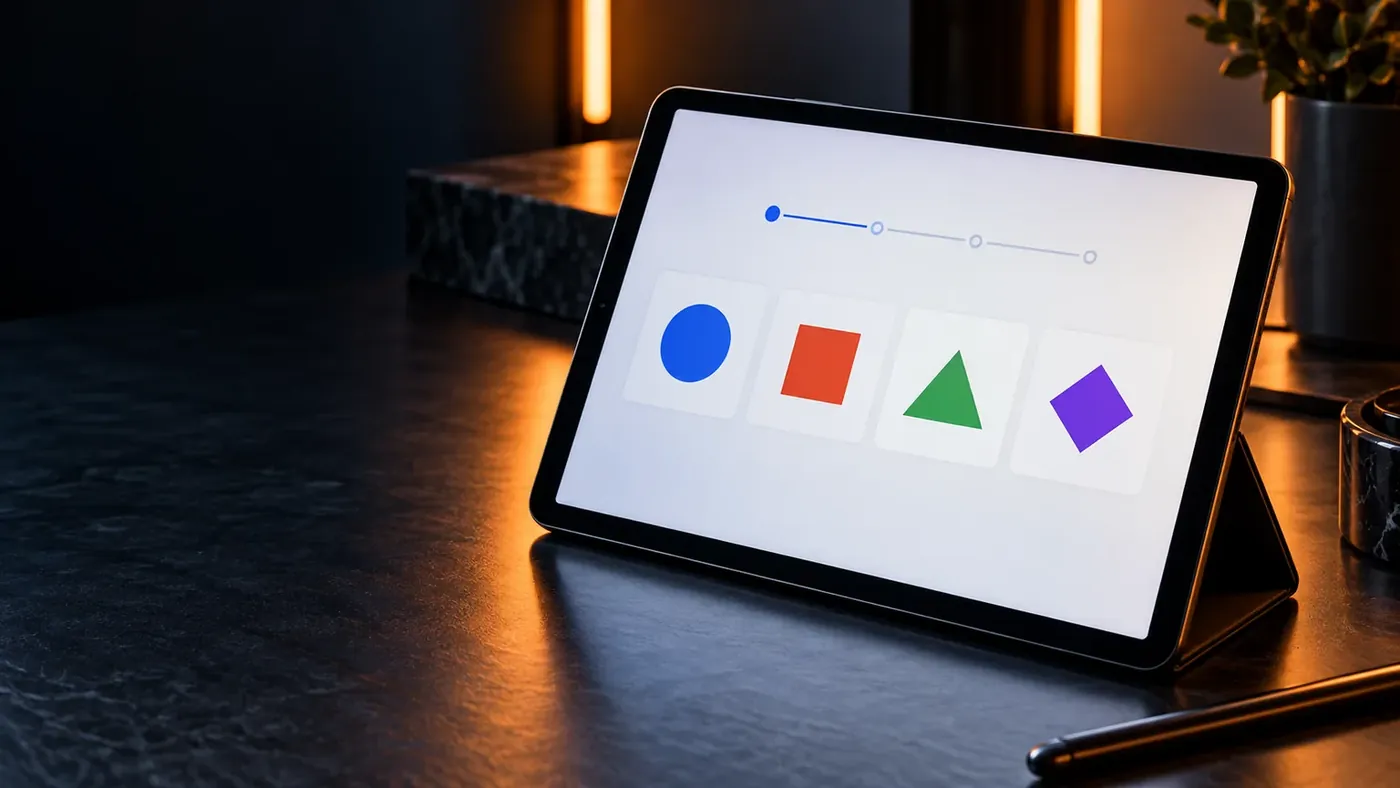
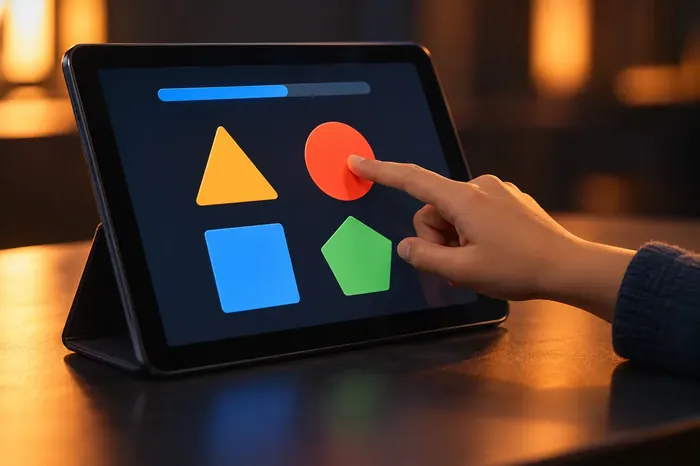
Conceptual cognitive-assessment interface on an unbranded tablet in a dark orange-lit studio.

Illustrative visuals. Not actual NIH Toolbox application screens or assessment items.

Project overview

NIH Toolbox includes cognitive, motor, sensory, and emotional health measures. Its assessment workflows span devices, languages, and administration modes.

Where every interaction matters.

Research workflows demand careful attention to what happens at every step.

OQS’s manual QA scope covered mobile and web behavior, instrument logic, scoring flows, remote sessions, and consistency across device builds. The work supported issue investigation and release preparation.

Project
NIH Toolbox
Context
Research assessment software
Service
Manual QA testing
Platforms
iPad application, mobile & web
Engagement
Ongoing QA support
Focus
Assessment workflows, release validation

Follow the workflow. Examine the detail.

A high-level view of manual QA, grounded in the published scope. This is a method illustration, not a reproduction of private project procedures or test records.

  1. 01

    Understand the workflow

    Start with expected behavior and the agreed testing scope.

  2. 02

    Prepare the coverage

    Consider relevant assessment paths, device behavior, language options, and administration modes.

  3. 03

    Test by hand

    Follow the interactions and observe what the application does.

  4. 04

    Investigate the difference

    Make unexpected behavior clear enough to investigate and verify.

  5. 05

    Verify & review

    Return to the relevant workflow and support evaluation of release readiness.

OQS provided QA support. Product development, clinical validation, and product certification are not claimed as OQS responsibilities.

The QA challenge

The challenge

Complex software. No room for guesswork.

Focused testing across the connected parts of a research assessment experience.

  1. 01

    Assessment workflows

    Checking assessment paths and instrument behavior across administration modes.

  2. 02

    Device behavior

    Reviewing mobile and web behavior across devices and changing application builds.

  3. 03

    Instrument & scoring flows

    Validating instrument logic and result-handling paths within the agreed QA scope.

  4. 04

    Remote sessions

    Investigating behavior in remote assessment workflows.

  5. 05

    Language & accessibility

    Checking language options and usability considerations within the agreed scope.

  6. 06

    Release validation

    Supporting issue investigation and verification in release builds.

The role of manual QA

Real interactions. Careful verification.

A workflow is more than a sequence of screens.

Hands-on testing brings attention to interaction quality, differences across devices, and unexpected behavior along assessment journeys. OQS’s role was to support that verification: making issues easier to isolate, reviewing complex workflows, and contributing to informed release decisions.

Quality across devices

Different devices. One standard of care.

Device context matters to the way an assessment is administered.

  • Device & build — behavior across devices and application builds
  • Session & mode — remote sessions and administration workflows
  • Language & use — language variants and accessibility considerations

An illustrative QA workflow

Make the difference understandable.

A generic explanation, not a specific NIH Toolbox defect or a confidential issue report.

  • Expected — the application follows its documented workflow
  • Actual — an interaction produces an unexpected difference
  • QA action — document the condition, investigate, retest as appropriate

Project outcomes

The impact

Confidence built through verification.

The published project account describes contributions to release confidence, issue isolation, workflow clarity, and mobile behavior. These are qualitative QA contributions, not measured performance claims.

  1. 01

    Readiness, examined.

    QA support helped teams evaluate readiness across builds.

  2. 02

    Differences, understood.

    Unexpected behavior could be investigated and verified.

  3. 03

    Journeys, reviewed.

    Complex assessment workflows received focused manual validation.

  • iPad application
  • Mobile and web builds
  • Manual QA testing
  • Device coverage
  • Remote workflows
  • Accessibility considerations
  • Release validation

QA support does not guarantee defect-free software or establish clinical outcomes.

Start a similar project

OQS / Let’s work together

Have a Project
in Mind?

Let’s Make
It Happen.

A new website, a stronger brand, a better-tested product, or an idea worth bringing to life. Tell us what you’re working on.

Start a project