Release visibility
Testing provided clearer information about issues before release.

CASE STUDY 02 / MANUAL QA TESTING
Research Assessment on Participant Devices · iOS Application
Mobile Toolbox supports self-administered research assessments on participants' mobile devices. OQS provided hands-on manual QA focused on iOS behavior, assessment workflows, device compatibility, language builds, and release stability.
Illustrative visuals only. Not actual Mobile Toolbox application screens or assessment items.
01 / PROJECT OVERVIEW
Mobile Toolbox is a mobile platform for self-administered research assessments. Participants can complete assessments remotely on their own devices, rather than relying on an examiner-operated session.
OQS's documented QA work covered iOS behavior, assessment logic, device compatibility, subscription flows, language builds, and release stability. These checks helped the project team investigate mobile issues and evaluate application behavior before release.

02 / APPLICATION GALLERY
A visual exploration of mobile assessment workflow concepts.
Gallery images are conceptual recreations and do not depict actual application menus, tests, or participant data.
03 / WHAT OQS DID
OQS performed hands-on mobile QA across assessment logic, participant workflows, iOS behavior, language builds, subscriptions, and device compatibility.
The published project account also describes issue investigation and release checks. This work supported the project team in identifying unexpected behavior and evaluating fixes across changing mobile builds.
Checked app-based assessment paths and their expected behavior.
Reviewed compatibility and device-specific issues across mobile builds.
Validated logic and interaction paths within the documented QA scope.
Checked behavior across supported language versions.
Investigated participant-access and subscription behavior.
Retested reported issues and evaluated stability across releases.
04 / PROJECT OUTCOME
The published OQS project account describes stronger release confidence through clearer defect visibility and validation of critical mobile workflows. Our contribution was QA support—not application development or a guarantee of defect-free software.
Testing provided clearer information about issues before release.
Critical mobile assessment journeys received focused QA review.
Device-specific behavior was checked across mobile builds.
05 / TOOLS & PLATFORMS
Documented project context and QA methods.
NEXT PROJECT
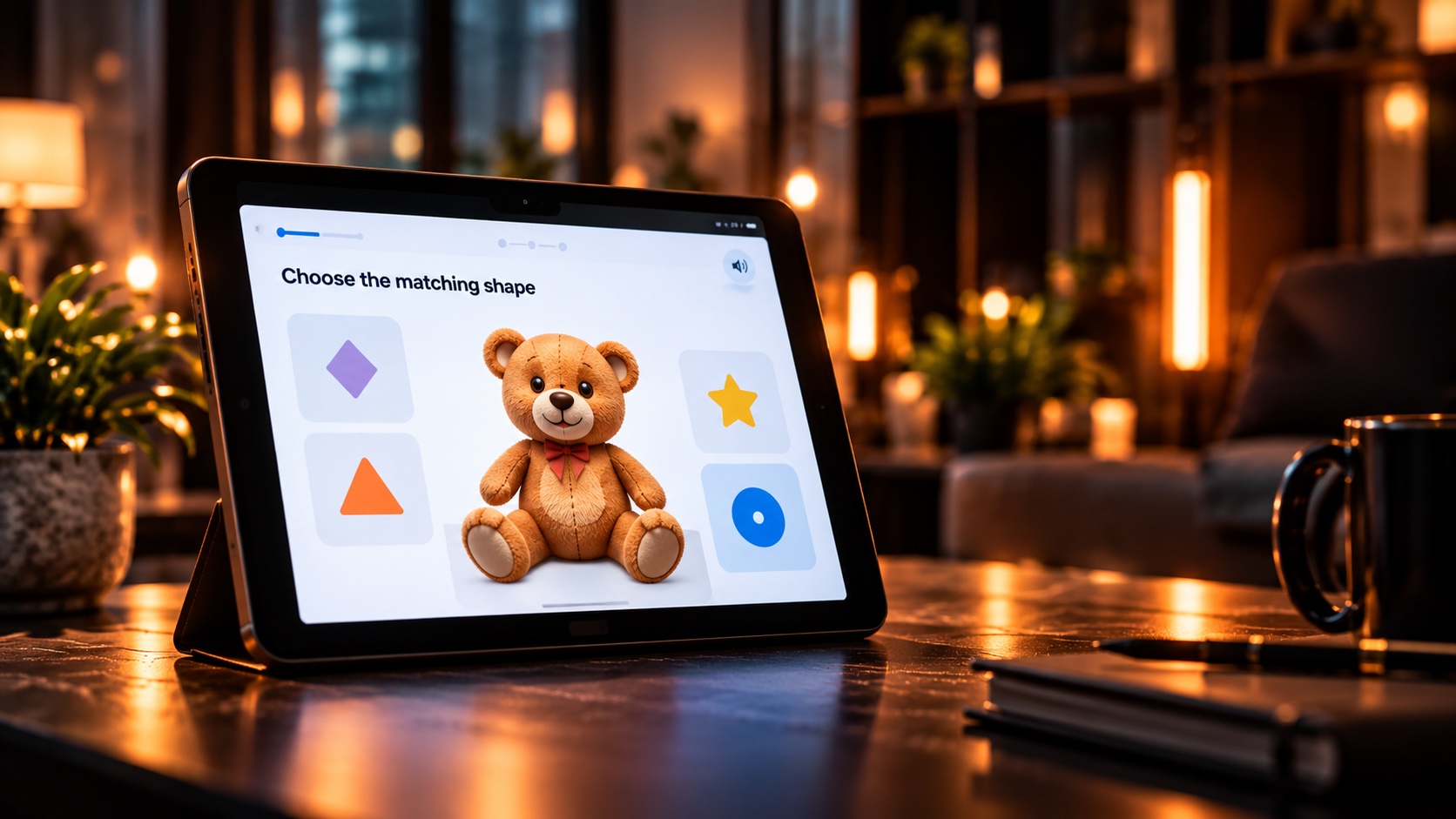 NIH Baby ToolboxiPad Application · Manual QA Testing ↗︎
Illustrative preview; not an actual NIH Baby Toolbox application screen.
OQS / LET'S WORK TOGETHER
We provide hands-on QA testing for research applications, mobile apps, and complex software platforms.