
DRIVEN BY QUALITY.

Have a Project in Mind?
Let’s Make It Happen.

Let’s talk

© 2026 Optima Quality Solutions, LLC.

All work

05 / 06 · Early childhood research · Manual QA

NIH Baby Toolbox — manual QA testing case study

  • Manual QA
  • iPad application
  • Assessment administration
  • Device behavior
  • Release validation

Small Interactions. Meaningful Details.Manual QA for early childhood assessment software. Thoughtful software. Careful verification.

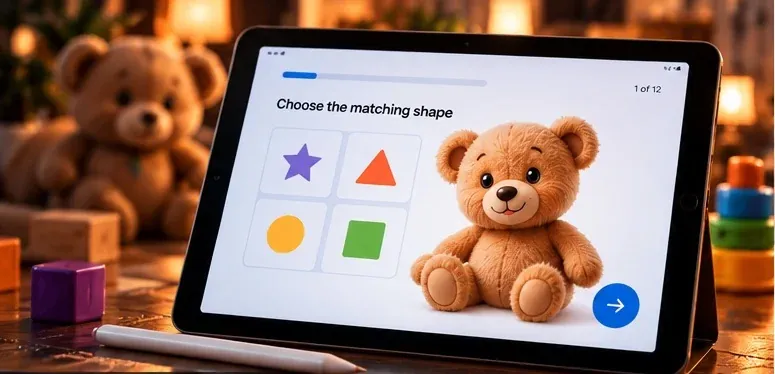
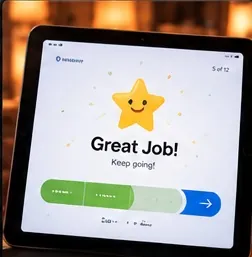
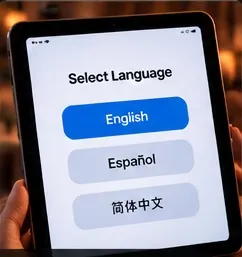
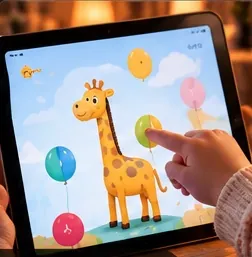
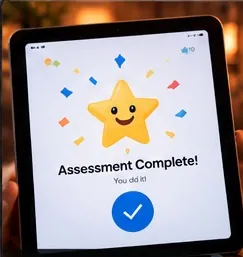
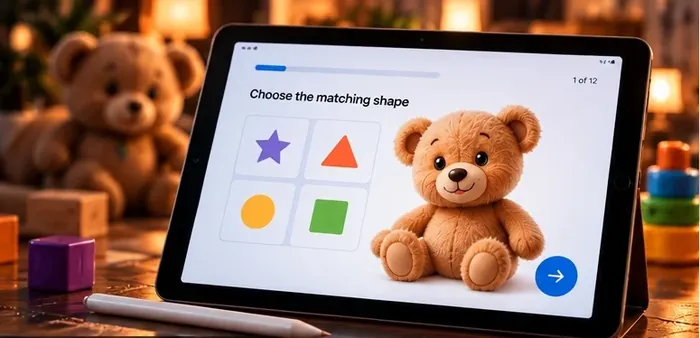
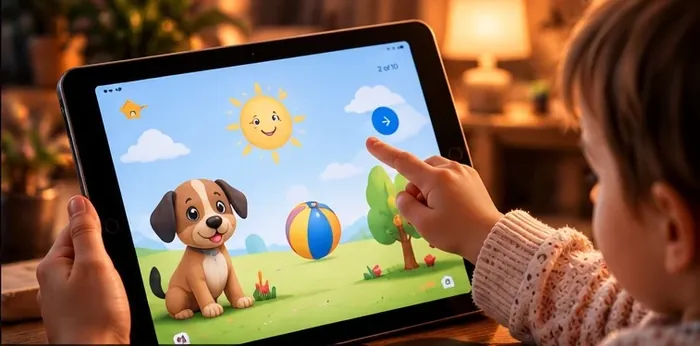
Conceptual iPad image with a teddy bear and colorful shape-matching illustrations on a warm tabletop; not an actual NIH Baby Toolbox screen.Conceptual scene of a child interacting with a tablet showing a fictional sun, dog, and landscape.

Illustrative visuals only. Not actual NIH Baby Toolbox application screens or assessment items.

Project overview

NIH Baby Toolbox is an iPad-based developmental assessment for infants and young children.

Designed for Research. Tested With Care.

Predictable software behavior matters to the people conducting a session. The research setting makes assessment administration and device behavior important parts of the application experience.

OQS’s contribution focused on software quality assurance: reviewing administration behavior, the iPad experience, and application builds during release preparation.

Project
NIH Baby Toolbox
Context
Early-childhood research
Platform
iPad application
Service
Manual QA testing
Testing focus
Assessment administration
Additional scope
Device behavior / Release validation

Careful Validation. At Every Stage.

A high-level explanation of manual QA around the published scope. This is not a reproduction of private project procedures or test records.

  1. 01

    Review

    Understand the administration workflow and expected application behavior.

  2. 02

    Execute

    Perform agreed manual checks on the supported iPad application.

  3. 03

    Document

    Make relevant observations clear enough to investigate.

  4. 04

    Verify

    Review applicable changes and support release-validation checks.

OQS’s role was QA support, not clinical assessment or instrument design.

When details matter most

The challenge

A Thoughtful Experience. A Careful Testing Process.

Three documented areas of manual QA support. Each contributes a different perspective on expected application behavior.

  1. 01

    Assessment administration

    Manual QA included checks of application behavior around pediatric assessment-administration workflows.

  2. 02

    Device behavior

    OQS reviewed how the assessment application behaved on its iPad platform.

  3. 03

    Release validation

    Testing supported checks of application behavior during release preparation.

The human side of verification

Behind Every Screen. A Real Interaction.

Observe. Understand. Verify.

Manual QA brings human attention to application workflows: following expected paths, observing responses, and making unexpected behavior understandable. For this engagement, that attention centered on assessment administration, iPad behavior, and release validation.

Device-specific quality

The Device Is Part of the Experience.

The published engagement identifies iPad application behavior as a QA focus. Touch input, navigation, and screen presentation are general examples of device-related considerations. No particular device model, system version, or universal compatibility claim is implied.
Illustrative QA methodology

Expected. Observed. Verified.

A simple explanation of manual QA. These do not describe a particular NIH Baby Toolbox test case, issue, or fix.

  • Expected — the application has a documented behavior
  • Observed — the tester checks behavior within the agreed scenario
  • Verified — the observation is documented and relevant changes are retested

Project outcomes

The impact

Confidence Through Careful Verification.

The published outcome describes validation priorities. These are areas of QA contribution, rather than measured performance gains.

  1. 01

    Administration flows.

    QA attention to the assessment-administration experience.

  2. 02

    iPad behavior.

    Review of application behavior on the target device platform.

  3. 03

    Release checks.

    Validation activities supporting release preparation.

  • iPad application
  • Manual QA testing
  • Assessment administration
  • Device behavior
  • Release validation
Start a similar project

OQS / Let’s work together

Have a Project
in Mind?

Let’s Make
It Happen.

A new website, a stronger brand, a better-tested product, or an idea worth bringing to life. Tell us what you’re working on.

Start a project